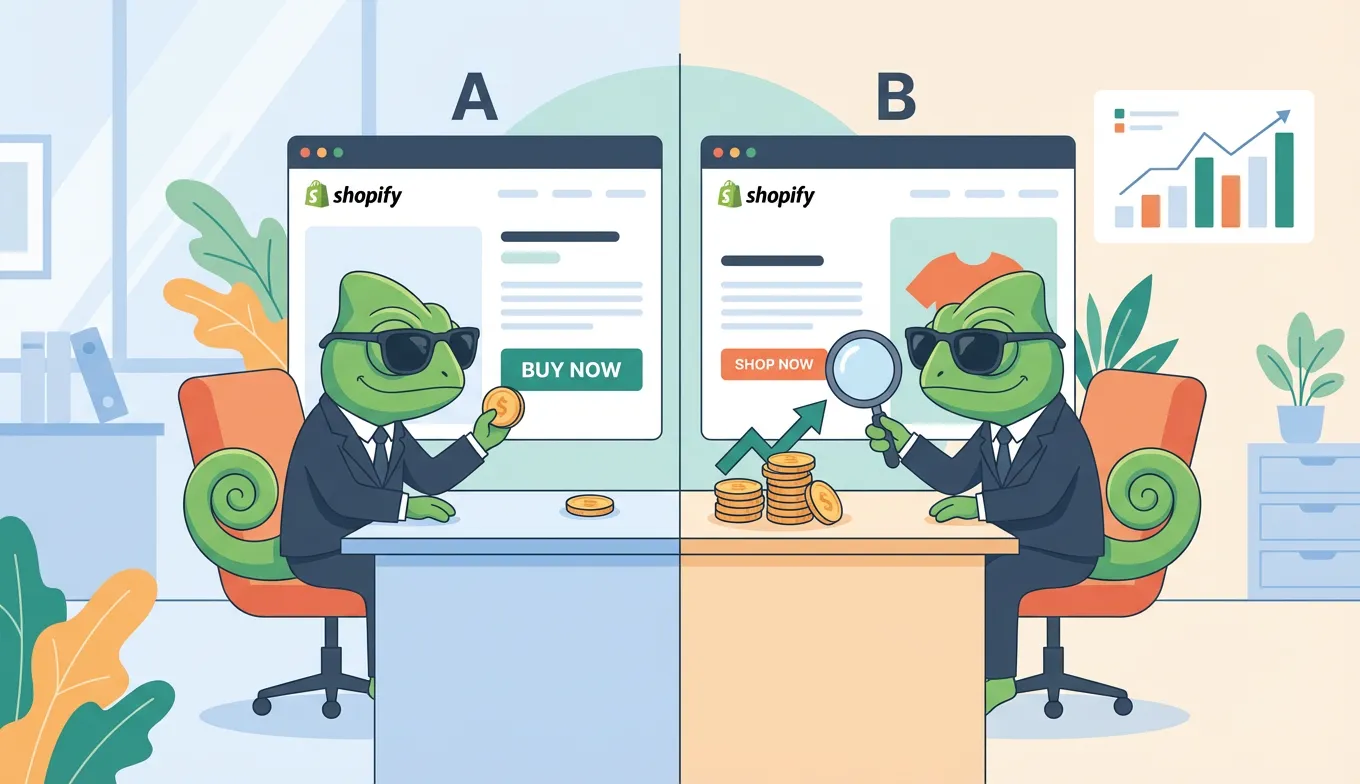
A/B testing in Google Ads means running two ad variations simultaneously to see which performs better. Use Google's built-in Experiments feature to split traffic 50/50, test one variable at a time, and run for at least 2-4 weeks before declaring a winner. Done right, A/B testing can improve your ROAS by 25% or more.
Most advertisers run ads based on gut instinct. They write copy that "feels right," pick images they personally like, and hope for the best. A/B testing replaces hope with data. This guide shows you exactly how to set up experiments, what to test first, and how to measure real results.
What Is A/B Testing in Google Ads?
A/B testing (also called split testing) compares two versions of an ad to determine which drives better results. You create two variations that differ in only one element—such as the headline, description, or call-to-action—and Google shows each version to a portion of your audience.
The key difference from standard ad rotation: A/B testing uses controlled experiments with statistical analysis. Regular ad rotation lets Google optimize automatically, which can be useful but doesn't give you clear insights into why one ad outperforms another.
With proper A/B testing, you learn what resonates with your audience. That knowledge compounds—each winning test teaches you something you can apply to future campaigns.
How to Set Up A/B Tests in Google Ads
Google offers two main approaches to A/B testing: Experiments for campaign-level testing and Ad Variations for simpler copy tests.
Using Google Experiments (Recommended)
Google Experiments is the most robust way to A/B test in Google Ads. Here's how to set one up:
- Navigate to Experiments: In your Google Ads account, click "Campaigns" in the left menu, then select "Experiments"
- Create a new experiment: Click the blue plus button and choose "Custom experiment"
- Select your base campaign: Pick the campaign you want to test
- Make your change: Modify one element (bidding strategy, keywords, ad copy, etc.)
- Set the traffic split: Google recommends 50/50 for the most accurate comparison
- Choose experiment duration: Set start and end dates (minimum 2 weeks)
- Launch: Google will randomly assign users to see either your original or test version
According to Google's documentation, the cookie-based split option ensures each user sees only one version throughout the experiment—critical for accurate results.
Testing Ad Variations
For simpler tests focused on ad copy, use Ad Variations:
- Go to "Experiments" then "Ad variations"
- Select the campaigns to include
- Choose what to change (headlines, descriptions, paths)
- Set the variation (find and replace text, or update specific elements)
- Define the test duration and traffic split
Ad Variations work well for testing headline changes across multiple campaigns simultaneously.
What to Test in Your Google Ads
Not all tests are equal. Focus on elements with the highest potential impact.
High-Impact Elements
Headlines are your strongest lever. According to Coursera's research, headline changes consistently produce the largest performance swings because they're the first thing users read.
Test variations like:
- Benefit-focused vs. feature-focused ("Save 50% Today" vs. "Premium Quality Materials")
- Question vs. statement ("Need Better Sleep?" vs. "Sleep Better Tonight")
- With vs. without numbers ("5 Star Rated" vs. "Top Rated")
Call-to-action phrases directly influence clicks. Test "Shop Now" against "Get 50% Off" or "Learn More" against "See Pricing." Small wording changes can shift click-through rates significantly.
Display URLs are often overlooked. Test adding keywords or benefits to your display path (example.com/free-shipping vs. example.com/winter-sale).
Ad Extensions and Assets
Extensions expand your ad's real estate and can improve CTR by 10-15%. Test different combinations:
- Sitelink text and landing pages
- Callout copy (free shipping, 24/7 support, money-back guarantee)
- Structured snippet categories
Beyond the Ad: Landing Pages
Your ad is only half the equation. The landing page determines whether clicks become conversions.
Testing landing pages through Google Ads requires sending traffic to different URLs. But for more sophisticated landing page A/B testing—testing headlines, layouts, forms, and CTAs—you'll need a dedicated tool. This is where website A/B testing becomes essential.
The advertisers who see the biggest ROAS improvements test both their ads and their landing pages systematically.
How Long Should Your Test Run?
Running tests long enough is critical. End too early and you'll make decisions based on random noise, not real performance differences.
Minimum duration: 2 weeks. Google recommends this as the baseline to account for day-of-week variations in user behavior.
Better duration: 30 days, or at least 3 full conversion cycles for your business. If your typical customer takes 10 days from click to purchase, run for at least 30 days.
Sample size requirements:
- Each ad variation needs at least 100 clicks for meaningful data
- For audience-based experiments, Google recommends at least 10,000 users in your audience list
- More conversions = more confidence. Aim for 30+ conversions per variation before drawing conclusions
When to end early: Only if you've reached clear statistical significance AND performance has been consistent for several days. Google Experiments shows a "confidence level" indicator—wait until it shows 95%+ before declaring a winner.
Measuring Success: Key Metrics
Don't get distracted by vanity metrics. Focus on what actually matters for your business.
Click Metrics vs. Conversion Metrics
Higher CTR doesn't always mean better results. An ad promising "Everything 90% Off!" might get lots of clicks but few conversions if it attracts the wrong audience.
Primary metrics to compare:
- Conversion rate
- Cost per conversion
- Conversion value / ROAS
- Revenue (if tracking)
Secondary metrics:
- Click-through rate (CTR)
- Cost per click (CPC)
- Quality Score changes
A DataFeedWatch case study found that testing product title variations led to 25% higher ROAS and 10% lower CPC—proving that systematic testing delivers real bottom-line results.
Understanding Statistical Significance
Google Experiments reports a "confidence level" for each metric. This represents the probability that the observed difference is real, not random chance.
- 95%+ confidence: Strong evidence of a real difference. Safe to act on.
- 80-95% confidence: Suggestive but not conclusive. Consider extending the test.
- Below 80%: Not enough evidence. Keep testing or try a bigger change.
The p-value shown in detailed reports works inversely—lower is better. A p-value under 0.05 corresponds to 95%+ confidence.
Google Ads Testing Best Practices
Follow these principles to get reliable, actionable results:
Test one variable at a time. If you change the headline and the CTA and the landing page, you won't know which change caused the improvement. Isolate your variables.
Write a hypothesis first. Before launching, state: "If I change [X], I expect [metric] to improve by [amount] because [reason]." This keeps you focused and helps you learn even from losing tests.
Avoid volatile periods. Don't run experiments during Black Friday, major holidays, or other unusual traffic periods. Your results won't reflect normal performance.
Keep budgets equal. Budget differences between original and experiment can skew results. Use the 50/50 traffic split and don't adjust budgets mid-test.
Document everything. Keep a test log with your hypothesis, dates, results, and learnings. Over time, this becomes invaluable for understanding what works for your audience.
Common Mistakes to Avoid
Ending Tests Too Early
Impatience kills good data. If one variation looks like it's winning after three days, resist the urge to end the experiment. Early leads often reverse as more data comes in.
Commit to your planned duration upfront. Only end early if you've reached statistical significance and seen consistent performance over multiple days.
Testing Too Many Variables
If you're comparing ads that differ in five ways, you're not A/B testing—you're guessing. Even if one wins, you won't know why.
For multivariate testing (testing multiple elements simultaneously), you need specialized methodology and much larger sample sizes.
Frequently Asked Questions
How many visitors do I need to A/B test Google Ads?
For ad copy tests, aim for at least 100 clicks per variation. For audience-based experiments, Google recommends 10,000+ users in your audience list. Lower traffic means longer test durations.
Can I run multiple experiments at once?
Yes, but on different campaigns. Running overlapping experiments on the same campaign can contaminate results. Each campaign should have only one active experiment at a time.
Should I test ads and landing pages together?
Separately is better for clear attribution. Test your ads first, implement winners, then test landing pages. This tells you exactly which changes drove improvement. For landing page testing, consider using a dedicated A/B testing tool alongside your Google Ads experiments.
Start Testing Systematically
A/B testing transforms Google Ads from guesswork into a data-driven system. Each test teaches you something about your audience. Over time, these learnings compound into significantly better performance.
Start with your highest-spend campaign. Test one headline variation. Run it for 30 days. Measure conversions, not just clicks. Then do it again.
The advertisers who win aren't necessarily the ones with the biggest budgets—they're the ones who test relentlessly.
Ready to test beyond your ads? Your landing pages matter just as much. Try SplitChameleon free to A/B test your landing pages and complete the optimization loop.