A/B testing your website means showing two versions of a page to different visitors, then measuring which version gets more clicks, signups, or sales. You pick one element to change (like a headline or button), split your traffic 50/50, and let the data tell you which version wins. The process takes 2-6 weeks depending on your traffic, but even small improvements compound—companies using structured A/B testing see conversion improvements up to 300%.
This guide walks you through running your first test, from picking what to test to reading your results. No statistics degree required.
What Is A/B Testing?
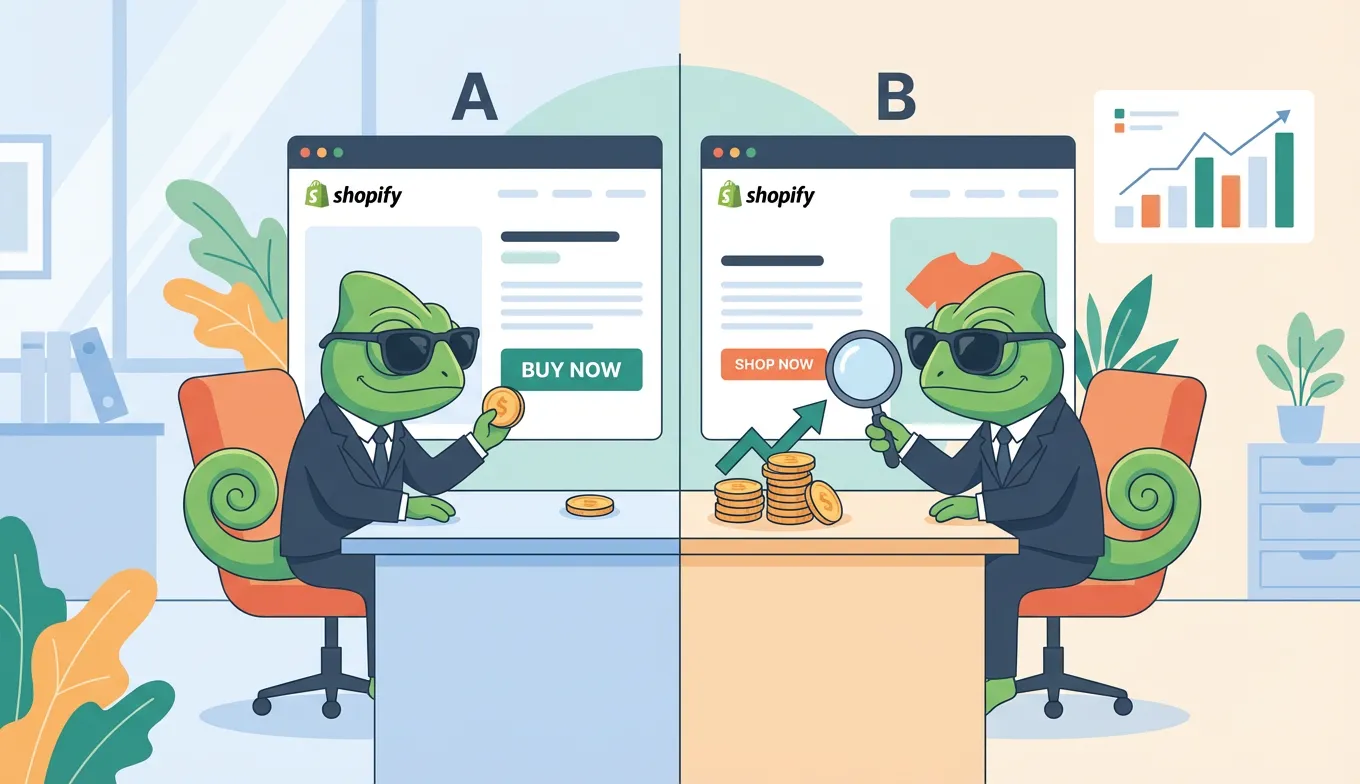
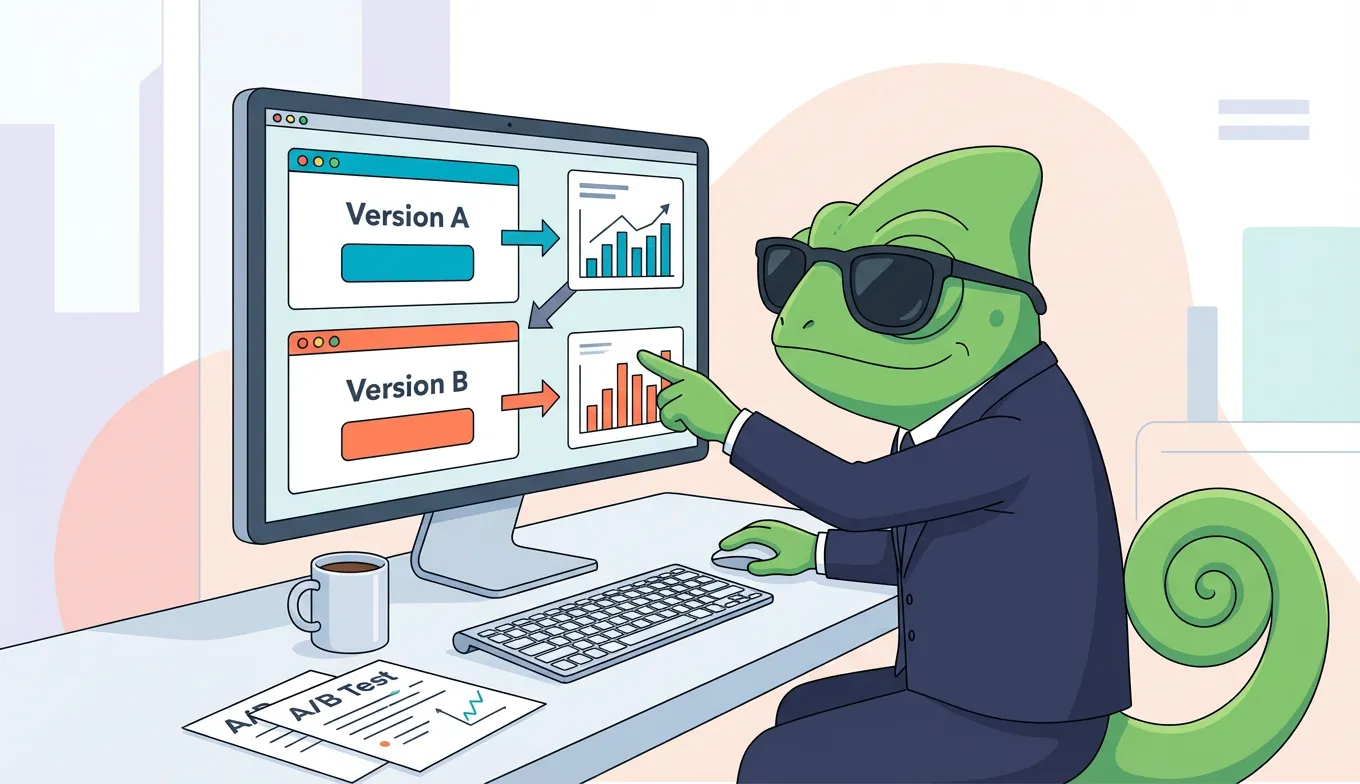
A/B testing (also called split testing) compares two versions of a webpage to see which performs better. Half your visitors see version A (your current page), and half see version B (your variation). After enough people visit both versions, you compare results and pick the winner.
Think of it like a taste test for your website. Instead of asking people which cola they prefer, you're measuring which headline makes more people click "Buy Now."
The key difference from guessing? Data. Instead of assuming green buttons convert better than blue ones, you test it and know for certain.
A/B Testing vs. Multivariate Testing
A/B testing changes one element at a time. Multivariate testing changes multiple elements simultaneously and measures all combinations.
Stick with A/B testing when you're starting out. It's simpler to set up, easier to interpret, and requires less traffic to reach meaningful results. Multivariate testing becomes useful once you have high traffic (50,000+ monthly visitors) and want to test complex combinations. For a deeper comparison, see our guide on A/B testing vs multivariate testing.
What You Need Before You Start
A/B testing doesn't require much, but you do need a few basics in place.
Traffic Requirements
You need enough visitors for results to be statistically meaningful. The minimum is roughly 1,000 visitors per month to the page you're testing. The sweet spot is 10,000+ monthly visitors, which lets you run tests faster and with more confidence.
Low-traffic sites can still A/B test—you'll just need to run tests longer (4-6 weeks instead of 2).
A Goal to Measure
Every test needs a success metric. What action do you want visitors to take?
Common goals include:
- Button clicks
- Form submissions
- Email signups
- Purchases
- Time on page
Pick one primary goal per test. Trying to measure everything makes it harder to reach clear conclusions.
An A/B Testing Tool
You'll need software to split traffic and track results. Options range from free tools to enterprise platforms. Most include visual editors that let you make changes without touching code.
If you're replacing Google Optimize (which shut down in 2023), there are several alternatives at various price points. We also have platform-specific guides for WordPress, Shopify, Webflow, Wix, and Squarespace.
How to Run Your First A/B Test
Here's the step-by-step process for running a test from start to finish.
Step 1: Pick One Element to Test
Start with a single, high-impact element. Good first tests include:
- Headline text — The first thing visitors read
- Call-to-action button — Text, color, or placement
- Hero image — The main visual on your page
- Form length — Fewer fields often means more completions
For your first test, choose something visible and easy to change. Testing your CTA button text (like "Download" vs. "Get Your Free Guide") is a classic starting point because buttons directly influence clicks.
Step 2: Form a Hypothesis
A hypothesis gives your test direction. Use this format:
"If I change [X], then [Y] will happen because [Z]."
Example: "If I change the button color from gray to green, more people will click because it stands out better against the white background."
Hypotheses keep you from random testing. They also help you learn regardless of whether the test wins or loses—if your hypothesis was wrong, that's still useful information.
Step 3: Create Your Variation
Using your A/B testing tool, create a single variation of your page with your proposed change. Most tools offer visual editors where you can point, click, and edit without writing code.
Important: Only change one thing. If you change the button color and the headline, you won't know which change affected results. Isolate your variables.
Step 4: Set Traffic Split and Duration
For beginners, split traffic 50/50 between your original page (control) and your variation. Equal splits give you the clearest comparison.
Run your test for a minimum of two weeks. This accounts for weekly patterns in visitor behavior (weekdays vs. weekends, for example). Many tests need 4-6 weeks to gather enough data, especially on lower-traffic pages.
Don't end a test early because one version "looks like it's winning." A study by Convert found that 80% of A/B tests are stopped before reaching statistical significance, which leads to unreliable conclusions.
Step 5: Analyze Results and Implement
Wait until your testing tool shows at least 95% statistical confidence before declaring a winner. This means there's only a 5% chance the result happened by random chance.
Once you have a winner:
- Implement the winning version permanently
- Remove the test code (Google recommends doing this promptly to avoid SEO issues)
- Document what you learned
Then pick your next test and repeat.
What to A/B Test on Your Website
Not all tests are equal. Some elements have much higher impact potential.
High-Impact Elements to Test First
Headlines: Your headline is the first thing visitors read. According to testing data, headline changes can impact conversion rates by up to 300%.
Call-to-action buttons: PriceCharting saw a 620% increase in click-throughs just by changing CTA text from "Download" to "Price Guide."
Form fields: Reducing form fields from 4 to 3 produced a 26% boost in conversions in one study. Ask only for what you truly need.
Hero images: The main visual on your landing page significantly affects first impressions.
Pricing presentation: How you display prices (monthly vs. annual, with or without comparison) influences purchasing decisions.
Lower-Priority Tests
Save these for later:
- Navigation menu layout
- Footer content
- Font choices
- Minor copy tweaks in body text
These can improve your site, but they typically have smaller impact than headline and CTA tests.
Common A/B Testing Mistakes to Avoid
Ending Tests Too Early
This is the most common mistake. Early results often flip as more data comes in. Commit to your minimum duration and sample size before checking results obsessively.
Testing Too Many Things at Once
If you change three things and conversions improve, which change caused it? You won't know. Test one variable at a time.
Ignoring Low-Traffic Realities
If your page gets 500 visitors per month, you can't run a two-week test and expect meaningful results. Adjust your timeline, or focus tests on your highest-traffic pages.
Frequently Asked Questions
How long should an A/B test run?
Run tests for a minimum of two weeks and a maximum of six weeks. The exact duration depends on your traffic volume and how big the conversion difference is between versions. Most testing tools tell you when you've reached statistical significance.
Does A/B testing hurt SEO?
No, when done correctly. Google explicitly permits A/B testing and says it poses "no inherent risk to your site's search rank". Use rel="canonical" tags on test variations, avoid showing different content to Googlebot than to users, and remove test code promptly after completion.
What's a good conversion rate improvement?
Industry data shows that only 1 in 7-8 A/B tests produces statistically significant results. Don't expect every test to be a winner. A 5-10% lift is a solid result, and these improvements compound over time as you run more tests.
Start Your First Test
A/B testing sounds technical, but the core process is simple: change one thing, measure results, keep what works. You don't need perfect hypotheses or massive traffic to start—you just need to begin.
Your first test will teach you more than reading another article. Pick one element on your highest-traffic page, form a hypothesis, and run the test.
Ready to start testing? Try SplitChameleon free — set up your first A/B test in minutes.