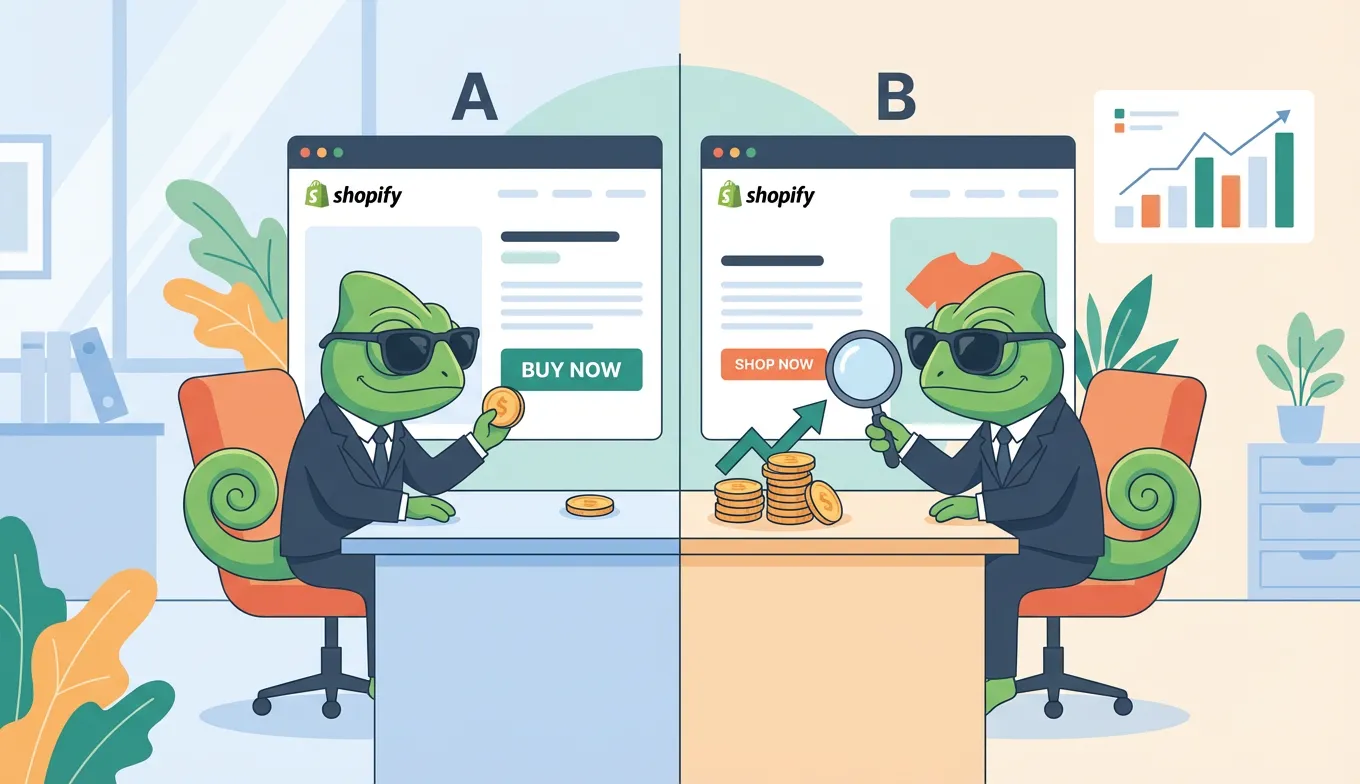
Shopify A/B testing lets you compare two versions of your store to find what converts better—but most Shopify testing apps cost $74 to $400 per month. The alternative: external tools like SplitChameleon work across Shopify and any other platform for a fraction of the cost. With the average Shopify store converting at just 1.4% and top performers hitting 3.2%+, even small improvements from testing can dramatically increase revenue.
This guide covers how to A/B test your Shopify store, compares popular apps with external alternatives, and shows you where to focus your first experiments.
Why A/B Testing Matters for Shopify Stores
A/B testing lets you earn more from the traffic you already have—without increasing your ad spend. Instead of guessing which product images convert better, you test both and let data decide.
The results can be significant. According to case studies from Shopify, the store Bukvybag achieved a 45% increase in orders through systematic testing. Goldelucks saw a 66.2% revenue increase. A men's grooming brand improved cart conversions by 18% just by testing slide-out cart designs.
Small percentage improvements compound across your funnel. A 10% lift on your product page, plus 10% at cart, plus 10% at checkout adds up to meaningful revenue gains—all from traffic you're already paying for.
For A/B testing fundamentals, see our beginner's guide to A/B testing.
Does Shopify Have Built-in A/B Testing?
No. Shopify doesn't offer native A/B testing tools on any plan, including Shopify Plus.
You can customize your theme and manually swap elements, but Shopify won't split traffic between versions or provide statistical analysis. For real A/B testing—where visitors are randomly assigned to different variations and results are measured with confidence—you need a third-party solution.
That leaves two options: Shopify App Store apps or external testing tools.
2 Ways to A/B Test Your Shopify Store
Option 1: Shopify App Store Apps
Shopify apps install directly into your admin panel and integrate with your store's data. Popular options include Intelligems, Shoplift, and Convert Experiences.
How they work: Install the app, grant permissions, and create tests within your Shopify admin. Some integrate directly with the Theme Customizer.
Pros:
- Deep Shopify integration
- Access to Shopify-specific data (orders, revenue)
- No code required for basic tests
Cons:
- Expensive—most start at $74/month, enterprise tools hit $300-400/month
- Add another app to your store (potential performance impact)
- Locked to Shopify (useless if you have other sites)
- Subject to Shopify API changes
Option 2: External Testing Tools (Recommended)
External platforms like SplitChameleon work by adding a small JavaScript snippet to your theme. You create test variations using a visual editor that loads your actual storefront.
Why external tools often win:
- Lower cost — Fixed monthly pricing regardless of traffic. No surprise bills as you scale.
- Multi-platform — One tool works across Shopify, WordPress, Squarespace, landing pages—everything. No separate subscriptions per platform.
- No app bloat — Apps add overhead to your store. External tools run independently.
- Update-proof — Not affected by Shopify API changes or app deprecations.
Since Google Optimize shut down in 2023, many merchants have moved to external alternatives. See our Google Optimize alternatives guide for a full comparison.
Shopify A/B Testing Apps: A Cost Comparison
Here's what popular Shopify testing apps actually cost:
| Tool | Starting Price | Pricing Model | Best For |
|---|---|---|---|
| Intelligems | $74/month | Usage-based | Price testing |
| Shoplift | $74/month | Usage-based | Theme testing |
| Convert | $299/month | 100K users/mo | Agencies |
| VWO | $393/month | Usage-based | Enterprise |
| Optimizely | Custom ($1K+) | Enterprise | Large brands |
The hidden cost problem: Most apps charge by "tested users" or traffic volume. As your store grows, your testing costs grow too. A successful product launch could spike your bill unexpectedly.
External tools like SplitChameleon use fixed pricing—the same monthly cost whether you test 1,000 or 1,000,000 visitors. For growing stores, this predictability matters.
Why Many Store Owners Choose External Tools
Experienced Shopify merchants often switch to external tools after experiencing:
App fatigue — Every app adds load time. Too many apps = slow store = lower conversions. Ironic for a conversion optimization tool.
Cost unpredictability — Usage-based pricing means your testing bill fluctuates with traffic.
Platform lock-in — If you run multiple stores or non-Shopify sites, you need separate tools for each.
External tools solve all three: one lightweight script, fixed pricing, works everywhere.
What to A/B Test on Your Shopify Store
Focus on high-traffic, high-impact pages first.
Product Pages (Highest Impact)
Product pages are where most Shopify purchases happen—or don't. Test:
- Product titles — Feature-focused vs. benefit-focused
- Image style — Lifestyle photos vs. plain backgrounds (one fashion retailer saw a 23% conversion increase switching to lifestyle images)
- Price display — $99 vs. $99.00 vs. "Starting at $99"
- Add-to-cart button — Text, color, size, placement
- Social proof — Review placement, star ratings, "X people bought this"
Homepage and Collection Pages
Your homepage sets the first impression. Test:
- Hero images and headline copy
- Navigation structure and category names
- Featured product selection
- Promotional banner messaging
Cart Page
The cart is where many sales die. Test:
- Trust badges and security messaging
- Free shipping thresholds ("Add $X more for free shipping")
- Upsell and cross-sell placement
- Cart layout and checkout button prominence
Note on checkout testing: Since August 2024, Shopify's Checkout Extensibility changes have limited direct JavaScript injection on checkout pages. Most A/B testing tools can no longer modify the checkout flow directly. Focus your tests on pre-checkout pages instead.
For testing multiple elements simultaneously, see our A/B testing vs. multivariate testing guide.
How to Set Up A/B Testing on Shopify
Step 1: Find Your Biggest Conversion Leak
Open Shopify Analytics and look at your conversion funnel. Where do visitors drop off?
- Product page to cart? (Test product pages)
- Cart to checkout? (Test cart page)
- Homepage bounce? (Test homepage elements)
The biggest drop-off is your biggest opportunity.
Step 2: Form a Hypothesis
Don't just test randomly. State: "If I change [X], I expect [Y] to improve because [Z]."
Example: "If I move reviews above the fold on product pages, add-to-cart rate will increase because social proof reduces purchase anxiety."
Step 3: Install Your Testing Tool
App approach: Install from Shopify App Store, grant permissions, follow setup wizard.
External approach (faster):
- Sign up for SplitChameleon
- Copy your script snippet
- In Shopify: Online Store > Themes > Edit Code > theme.liquid
- Paste before
</head> - Create tests using the visual editor
Total setup: under 5 minutes.
Step 4: Create Your Test
Make one change per test. If you change the button AND the headline, you won't know which drove the result.
Set traffic split to 50/50 for clearest comparison.
Step 5: Wait for Statistical Significance
Per Shopify's guidance, run tests for at least two full business cycles (typically 2-4 weeks). You need enough data for 95% statistical confidence before declaring a winner.
Ending early is the most common testing mistake. Early leads often reverse as more data comes in.
Frequently Asked Questions
Does Shopify have built-in A/B testing?
No. Shopify doesn't offer native experimentation tools. You need a third-party app or external testing tool to run proper A/B tests with traffic splitting and statistical analysis.
How much does Shopify A/B testing cost?
Shopify apps range from $74 to $400+ per month, with most charging based on traffic volume. External tools like SplitChameleon offer fixed pricing starting around $29/month regardless of how many visitors you test.
Can I A/B test Shopify checkout?
Limited testing is possible since Shopify's Checkout Extensibility changes in August 2024. Direct JavaScript injection on checkout is no longer supported. Focus tests on your cart page and pre-checkout elements instead.
How long should I run a Shopify A/B test?
Minimum two weeks or two complete business cycles. You need roughly 1,000 visitors per variation for reliable results, and must reach 95% statistical significance before implementing changes.
Start Testing Your Shopify Store
The gap between a 1.4% conversion rate and 3.2% represents a lot of revenue. A/B testing is how top Shopify stores find what works for their specific customers.
You don't need expensive apps to start. External tools offer the same testing capabilities at lower cost—and work across all your sites, not just Shopify.
Start with one product page test. Change one high-impact element. Run it for two weeks. Learn from the results. Then do it again.
Skip the expensive apps. Try SplitChameleon free — one script works on Shopify, WordPress, and any other platform. Fixed pricing, no traffic limits, no app bloat.