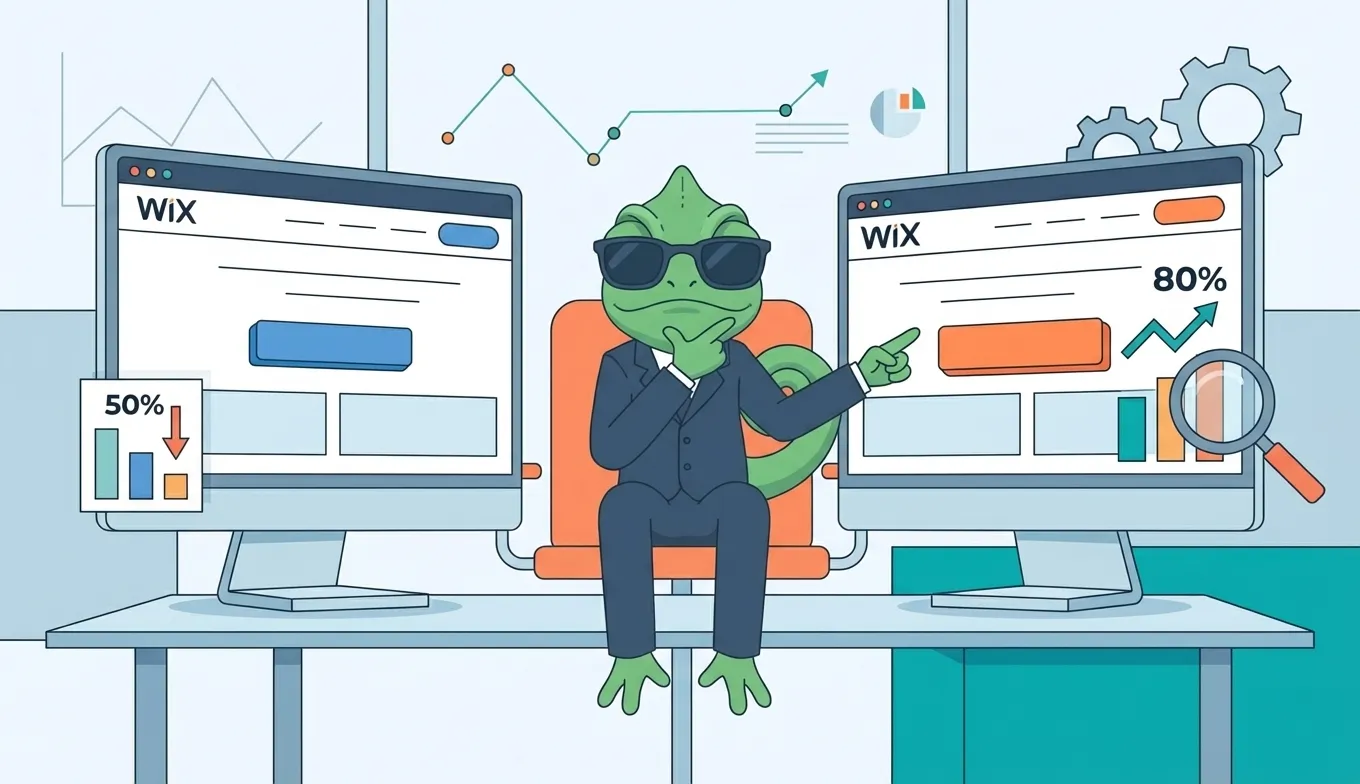
Wix A/B testing is possible, but Wix's built-in "test site" feature limits you to one active test with no audience targeting. For real experimentation—multiple concurrent tests, traffic segmentation, and statistical analysis—you need an external tool. The good news: tools like SplitChameleon work on Wix sites for a fraction of what enterprise platforms charge, without the one-test limitation.
This guide covers what Wix offers natively, why it falls short for serious testing, and how to set up proper A/B testing on your Wix site.
Does Wix Have Built-in A/B Testing?
Sort of. Wix offers a feature called Release Manager that lets you create a "test site" version of your live site.
What you get:
- Create one alternate version of your site
- Split traffic between original and test version
- Basic analytics on which performs better
What you don't get:
- Multiple concurrent tests
- Audience targeting or segmentation
- Element-level testing (headlines, buttons, images)
- Statistical significance calculations
- Visual editor for quick changes
According to Wix's documentation, the test site feature is designed for "testing major changes before fully releasing them"—not for ongoing conversion optimization.
The core limitation: you can only run one test at a time, and it's an all-or-nothing site version swap. You can't test a headline on your homepage while simultaneously testing a CTA on your pricing page.
Why Wix's Native Testing Falls Short
For quick directional tests on major redesigns, Wix's Release Manager works. For systematic conversion optimization, it doesn't.
The one-test bottleneck: Real CRO requires continuous experimentation. Testing one element, learning, then testing the next. With Wix's single-test limit, a proper testing program would take years instead of months.
No element isolation: When you swap entire site versions, you can't know which specific change drove the result. Did conversions improve because of the new headline, the button color, or the repositioned testimonials? You won't know.
No statistical rigor: Wix doesn't calculate statistical significance. You're left guessing whether a 5% lift is real or random noise.
No targeting: You can't test different variations for different audiences—mobile vs. desktop, new vs. returning visitors, traffic source segments.
For A/B testing fundamentals, see our beginner's guide to A/B testing.
2 Ways to A/B Test Your Wix Site
Option 1: Wix Release Manager (Limited)
If you only need to test one major site change occasionally, Wix's built-in option is free and simple.
How it works:
- Go to Release Manager in your Wix dashboard
- Create a test site (duplicates your current site)
- Make changes to the test version
- Set traffic split percentage
- Monitor results in Wix Analytics
Pros:
- Free with any Wix plan
- No external tools needed
- Native integration
Cons:
- One test at a time only
- No element-level testing
- No statistical analysis
- No audience targeting
Best for: Testing major redesigns before full rollout—not ongoing optimization.
Option 2: External Testing Tools (Recommended)
External platforms like SplitChameleon work by adding a lightweight JavaScript snippet to your Wix site. You create test variations using a visual editor that loads your actual pages—no Wix Editor access required.
Why external tools win for Wix:
- Multiple concurrent tests — Test your homepage headline while also testing your pricing page layout
- Element-level control — Change one button, one headline, one image—isolate your variables
- Statistical significance — Know when results are real, not random
- Audience targeting — Show different variations to different visitor segments
- Fixed pricing — No usage-based billing that grows with your traffic
Since Google Optimize shut down in 2023, external tools have become the standard for no-code platform users. See our Google Optimize alternatives guide for a full comparison.
Wix A/B Testing Tools: Cost Comparison
Here's what A/B testing actually costs for Wix sites:
| Tool | Starting Price | Limitations |
|---|---|---|
| Wix Release Manager | Free | 1 test, no targeting |
| VWO | $393/month | Usage-based pricing |
| Convert | $299/month | Enterprise-focused |
| Optimizely | $1,000+/month | Enterprise only |
| SplitChameleon | $29/month | Fixed pricing |
The gap is stark: Wix's free option is too limited for real testing, and enterprise tools are overkill (and overpriced) for most Wix users. External tools like SplitChameleon fill that middle ground—real testing capabilities at small-business pricing.
What to A/B Test on Your Wix Site
Focus on high-impact elements that directly affect conversions.
Homepage (Highest Impact)
- Hero headline — Your first impression. Test benefit-focused vs. feature-focused copy.
- CTA button — Text, color, size, and placement all affect clicks.
- Social proof — Testimonial placement, client logos, review counts.
- Navigation — Simplified menu vs. comprehensive options.
Service/Product Pages
- Pricing presentation — Monthly vs. annual defaults, price anchoring
- Image style — Professional photos vs. lifestyle imagery
- Description copy — Short and punchy vs. detailed explanations
- Trust elements — Guarantees, security badges, certifications
Contact/Booking Pages
- Form length — Fewer fields typically means more completions
- CTA copy — "Get Started" vs. "Book Now" vs. "Contact Us"
- Urgency elements — Availability indicators, limited-time offers
For testing multiple elements simultaneously, see our A/B testing vs. multivariate testing guide.
How to Set Up A/B Testing on Wix
Step 1: Add the Testing Script
External tools require adding a JavaScript snippet to your Wix site.
In Wix:
- Go to Settings > Custom Code (requires Premium plan)
- Click "+ Add Custom Code"
- Paste your testing tool's snippet
- Set placement to "Head" and load on "All pages"
- Click Apply
If you're on Wix's free plan, you'll need to upgrade to add custom code—but you'd need Premium for serious business use anyway.
Step 2: Identify What to Test
Open Wix Analytics and find your conversion bottlenecks:
- High bounce rate on landing pages? Test headlines and hero sections.
- Low form completions? Test form length and CTA copy.
- Poor click-through to services? Test navigation and value messaging.
Start with your highest-traffic page for faster results.
Step 3: Create Your Test
Using your external tool's visual editor:
- Enter the URL of the page you want to test
- Click on the element to change
- Make your ONE modification (test one thing at a time)
- Set traffic split to 50/50
- Define your conversion goal
- Launch the test
Step 4: Wait for Statistical Significance
Run tests for at least 2 weeks. You need enough data for 95% confidence before declaring a winner.
The most common A/B testing mistake is ending tests early. Early leads often reverse as more data comes in. Commit to your minimum duration before checking results obsessively.
Step 5: Implement and Iterate
Once you have a statistically significant winner:
- Implement the winning variation permanently in Wix Editor
- Document what you learned
- Start your next test
Continuous testing compounds results. A 10% lift here, 8% there—these improvements add up over time.
Frequently Asked Questions
Does Wix have built-in A/B testing?
Wix offers Release Manager, which lets you create one "test site" version to compare against your live site. However, it's limited to one test at a time with no element-level testing, audience targeting, or statistical analysis. For real A/B testing, you'll need an external tool.
Can I A/B test on Wix for free?
Wix's Release Manager is free but severely limited. External tools typically start around $29/month for full functionality. VWO offers a free tier, but it's restricted to 50,000 monthly tested users.
How do I add A/B testing code to my Wix site?
Go to Settings > Custom Code in your Wix dashboard, add a new custom code block, paste your testing tool's snippet, set it to load in the Head on all pages, and apply. This requires a Wix Premium plan.
What's the best A/B testing tool for Wix?
For most Wix users, external tools like SplitChameleon offer the best balance of features and price. Enterprise tools like VWO and Optimizely are powerful but expensive ($300-1,000+/month). Wix's native option is too limited for systematic testing.
Start Testing Your Wix Site
Wix makes building websites easy. But beautiful doesn't mean high-converting—and Wix's one-test limitation won't help you find what works.
External tools remove the restrictions: multiple tests, element-level control, statistical rigor, and pricing that doesn't punish your success. One JavaScript snippet, and you have real A/B testing capabilities.
Start with one high-traffic page. Change one element. Run the test for two weeks. Learn from the results. Then do it again.
Break free from one-test limits. Try SplitChameleon free — add one snippet to your Wix site and run multiple A/B tests. Fixed pricing, no traffic limits, works alongside any Wix plan.